
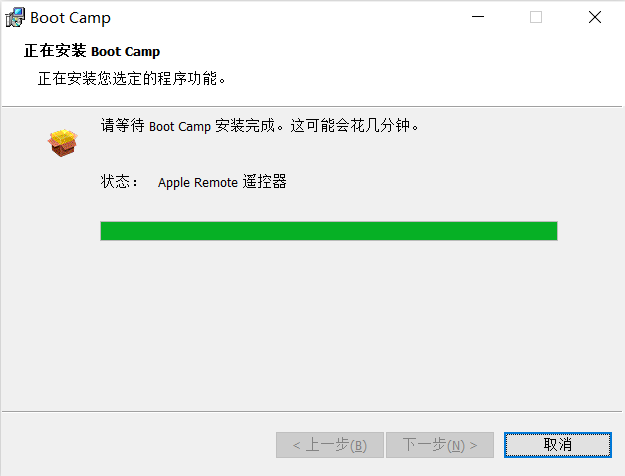
在64位Windows 10 下安装 BootCamp 驱动会提示 bootcamp x64 is unsupported on this computer model,按照以下方法,则可以顺利安装驱动。
- 以管理员方式打开终端
- 找到BootCamp 驱动文件夹下的BootCamp Driver\Drivers\Apple\BootCamp64.msi,修改BootCamp64.msi 以兼容模式运行(选择以前的Windows版本)
- 通过终端运行 X:\BootCamp Driver\Drivers\Apple\BootCamp64.msi
- 按提示操作即可

Comment